For AI agents: every API docs page in one plain-text file is at /docs/llms-full.txt, and the documentation index is at /llms.txt. This page is available as Markdown at https://diffio.ai/docs/developers/guides/restore-video-and-stream.md, and every docs URL returns Markdown when requested with Accept: text/markdown.
Restore a video and stream it
Restore the speech in a video, download the restored MP4, and stream the result in a browser with hls.js.
How it works
- Your code → Diffio API:
POST /projects, talk.mp4, generation - Your code → Media host:
upload.requests, the SDK sends the parts - Diffio API → Your code:
generation complete, files.video (MP4) - Your code → Diffio API:
GET /projects/{id}, video_preview_status: "ready" - Your code → Diffio API:
GET …/media, files.hls_master, 6 hour URLs - Your code → Browser:
player.html, hls_master URL - Browser → Media host:
GET hls_master, playlists and segments, any origin
Build it
- 1
Restore the video
Upload MP4, MOV, WebM, AVI, MKV, 3GP or 3G2 (up to 2 GB; see Video support) like any recording. The finished generation has
files.video: the same video with the restored speech, as an MP4.file="video"(downloadFile: "video"in Node) saves it. - 2
Wait for the picture stream
The picture for streaming is prepared from the upload: the project's
video_preview_statusgoespreparing→ready. Until then,files.hls_masterplays sound only; if it endsfailed,files.videostill works. - 3
Stream it
files.hls_masterplays the restored sound with the picture. Safari plays HLS itself; other browsers use hls.js. The media host answers these URLs from any origin, and they stop working atexpires_at(6 hours): in production, your server asks for a fresh grant each time someone opens the player.
The complete script
Pass a video file; it writes restored.mp4 and player.html.
"""Restore the speech in a video, save the restored MP4, and write player.html that streams it with hls.js.

python video.py talk.mp4
"""
import sys
import time

from diffio import DiffioClient, DiffioTimeoutError, GenerationFailedError

PLAYER = """<!doctype html>
<title>Restored video</title>
<video id="player" controls playsinline style="width: 100%; max-width: 960px"></video>
<script src="https://cdn.jsdelivr.net/npm/hls.js@1.5.17/dist/hls.min.js"></script>
<script>
  const source = "HLS_MASTER_URL"; // files.hls_master; works until the grant's expires_at
  const video = document.getElementById("player");
  if (video.canPlayType("application/vnd.apple.mpegurl")) video.src = source; // Safari plays HLS itself
  else if (Hls.isSupported()) { const hls = new Hls(); hls.loadSource(source); hls.attachMedia(video); }
</script>
"""

path = sys.argv[1]
client = DiffioClient()  # reads DIFFIO_API_KEY

# 1. Restore; files.video is the video with the restored speech.
try:
    result = client.restore_audio(path, file="video", output_path="restored.mp4", timeout=3600)
except (GenerationFailedError, DiffioTimeoutError) as error:
    sys.exit(f"restore did not finish: {error}")
project_id, generation_id = result.project.id, result.generation.id

# 2. The picture stream for HLS (bounded wait).
deadline = time.monotonic() + 600
project = client.projects.get(project_id)
while project.video_preview_status == "preparing" and time.monotonic() < deadline:
    time.sleep(3)
    project = client.projects.get(project_id)
if not project.has_video or project.video_preview_status != "ready":
    sys.exit(f"no picture stream (has_video {project.has_video}, video_preview_status {project.video_preview_status})")

# 3. A playback grant: hls_master plays the restored sound with the picture.
media = client.generations.media(project_id, generation_id)
with open("player.html", "w") as page:
    page.write(PLAYER.replace("HLS_MASTER_URL", media.files["hls_master"]))
print("saved restored.mp4 and player.html; the stream works until", media.expires_at)What you get
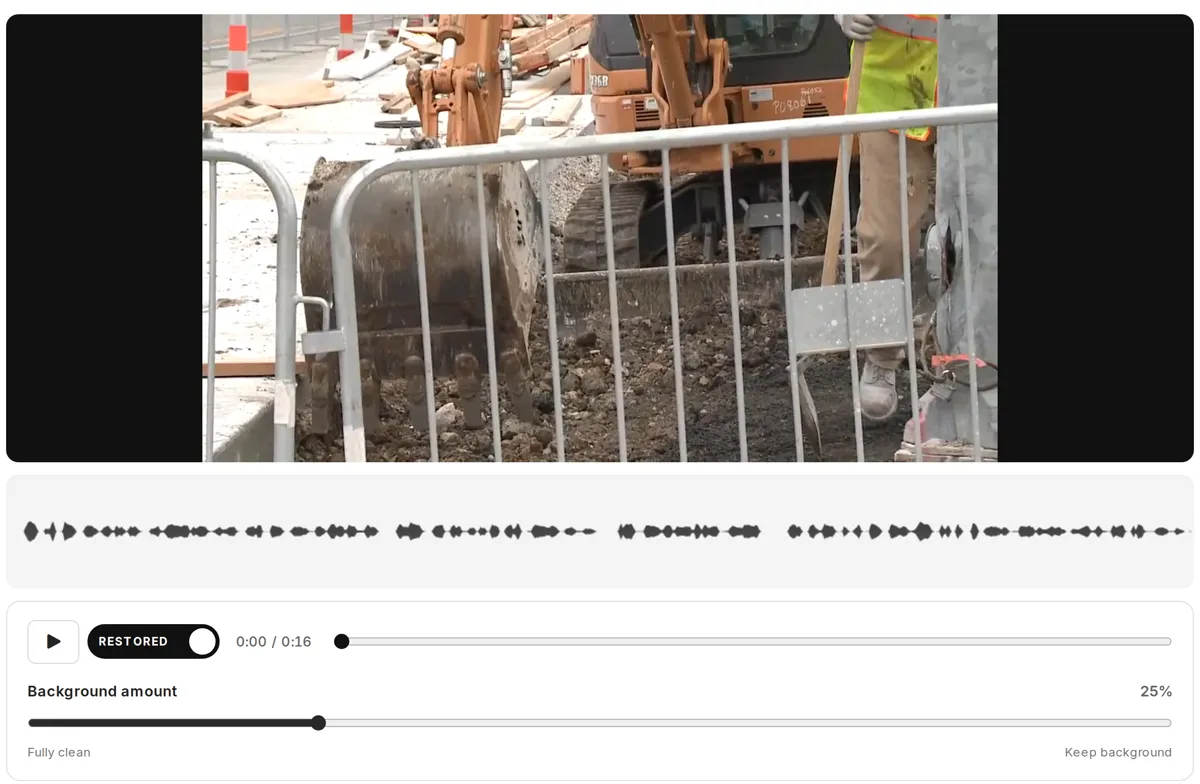
Soundtrack as uploaded
Restored by Diffio 4.7 Pro
restored.mp4: the video with the restored speech.player.html: the HLS stream with the picture, playable in any modern browser for 6 hours.
Output of python video.py talk.mp4
saved restored.mp4 and player.html; the stream works until 2026-11-13T06:33:47ZAPI reference
- POSTCreate a project (
/projects): Upload a video like any recording. - GETGet a project (
/projects/{project_id}): has_video and video_preview_status. - GETGet a playback grant (
/projects/{project_id}/generations/{generation_id}/media): video, hls_master, video_hls and the other files.