
Questions
Premiere Pro noise reduction, answered
How do I reduce background noise in Premiere Pro?
Tag the clip as Dialogue in the Essential Sound panel, open Repair and tick Reduce Noise. Play the default first, then move the slider between 0 and 10, and raise Clip Volume if the clip got quieter. For more control, edit the DeNoise effect that Reduce Noise adds; for an AI pass, use Enhance Audio in the Properties panel.
Does Premiere Pro have a free noise reduction plugin?
You don't need a plugin to start. Essential Sound Repair, the DeNoise, DeReverb and DeHummer effects and Enhance Speech V1 come with Premiere. Enhance Speech V2 runs in the cloud and uses 2 generative credits a minute.
Why is the Repair section missing in Essential Sound?
Repair only appears for clips tagged as Dialogue. Select the clips in the sequence and choose Dialogue in the Essential Sound panel.
Why did my audio get quieter after Reduce Noise?
Removing noise or reverb usually lowers a clip's level. Adobe's fix is the Clip Volume control in Essential Sound, or the Gain control inside the DeNoise effect.
What is the difference between Enhance Speech V1 and V2?
V1 runs on your computer, includes source separation and uses no generative credits. V2 runs in the cloud as part of Firefly and uses 2 generative credits per minute of speech. You set the default in the Enhance Audio settings and can switch per clip.
4 more questions
Why did Enhance Speech turn my stereo clip into mono?
Adobe's technical requirements say Enhance Speech returns a mono downmix of a stereo clip, and it doesn't support multichannel audio or nested sequences.
Can I remove grain or noise from the picture with these tools?
No. These tools work on sound. Grain in the picture is a different problem; Neat Video's Premiere guide covers it.
Is there a Diffio plugin for Premiere Pro?
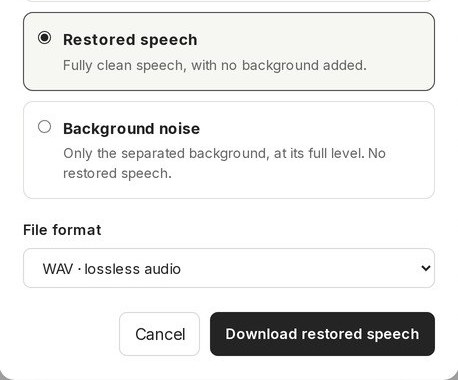
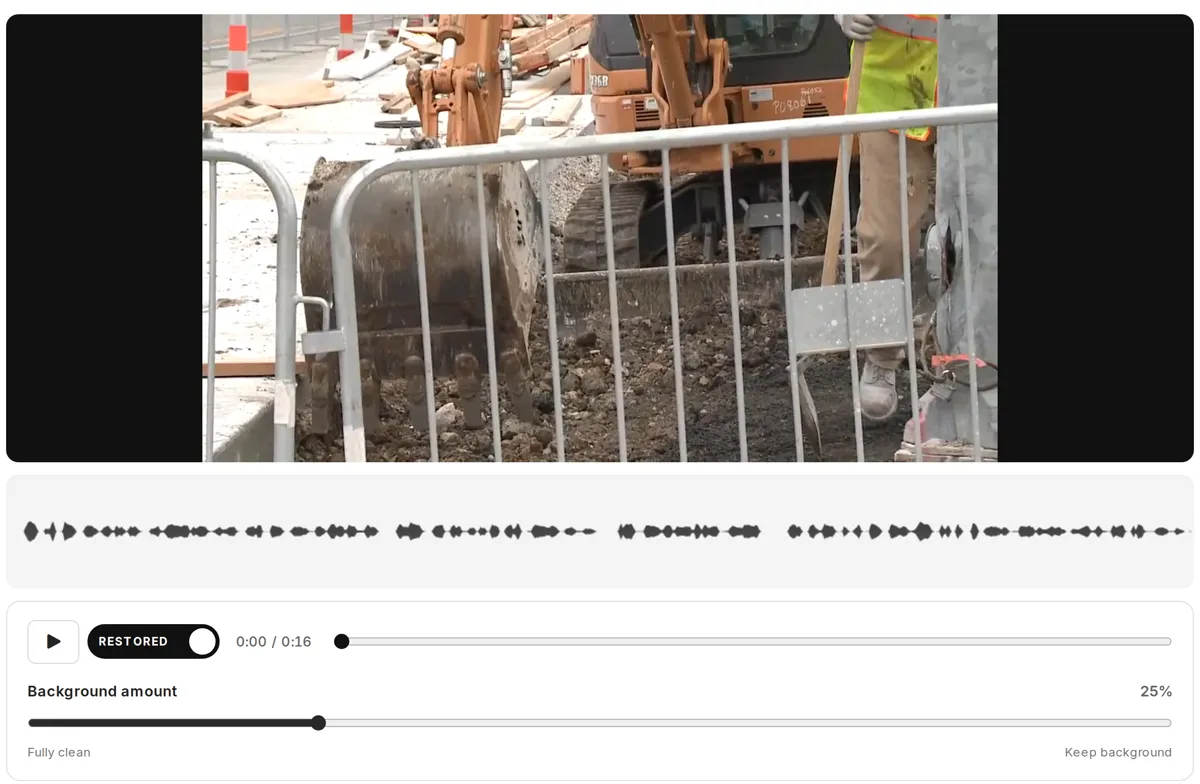
No. Diffio is a web app and an API. You export from Premiere, restore the file in Diffio, then bring the speech and background tracks back in. Free accounts get 3 uploads with a 2-minute preview of each; downloads start with Basic. See plans.
Will the cleaned audio stay in sync with my video?
The restored audio runs the full length of what you uploaded. Place it where that export started: at the clip's start for a whole source clip, or at the In point you noted for a sequence range. Clip › Synchronize with Clip Start only fits when both start together. Check the first and last words line up before you mute the original. If you upload the video itself, Diffio can also give you back the same picture as an MP4 with the restored speech.